Trail Profile Editor
TrailProfile's consist of modules that control different things about the trail.
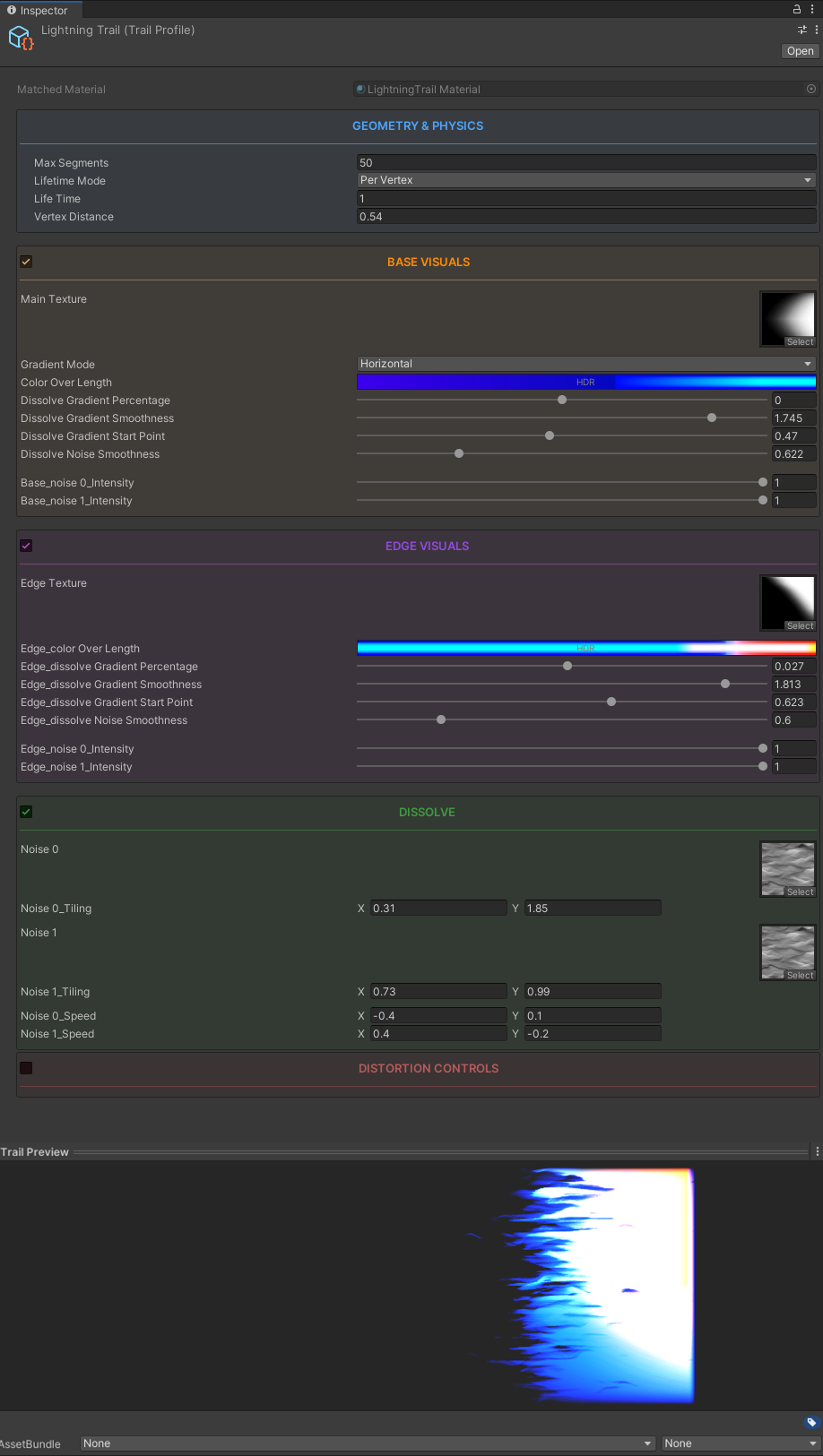
Different modules have their own sections in this documentation;
Rest of this page will tell you about how things are set-up rather than how to use them.
If you are looking for practical information on how to use this tool, start from Geometry & Lifetime and check out all 5 modules.
Overall Structure
Shared Values
These 4 values exist in almost every module; they are the main way we interact with the lifetime and geometry. These are literally how we relate to the mesh;
- Gradient Percentage
- Gradient Smoothness
- Gradient Start Point
- Noise Smoothness
These are explained in more detail in Base Visuals Section
Scriptable Object
This editor shows up for every TrailProfile:
Thanks to this, we never have to touch the material or the component/MonoBehaviour in the scene.
Info
This is always the SINGLE SOURCE OF TRUTH for every trail behaviour and visuals.
All the info lives here, once you set up a TrailProfile; you can re-use it everywhere without ever sending in extra information.
Material
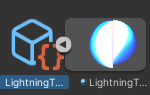
The material still exists in the project files as a subasset to it's parent TrailProfile;
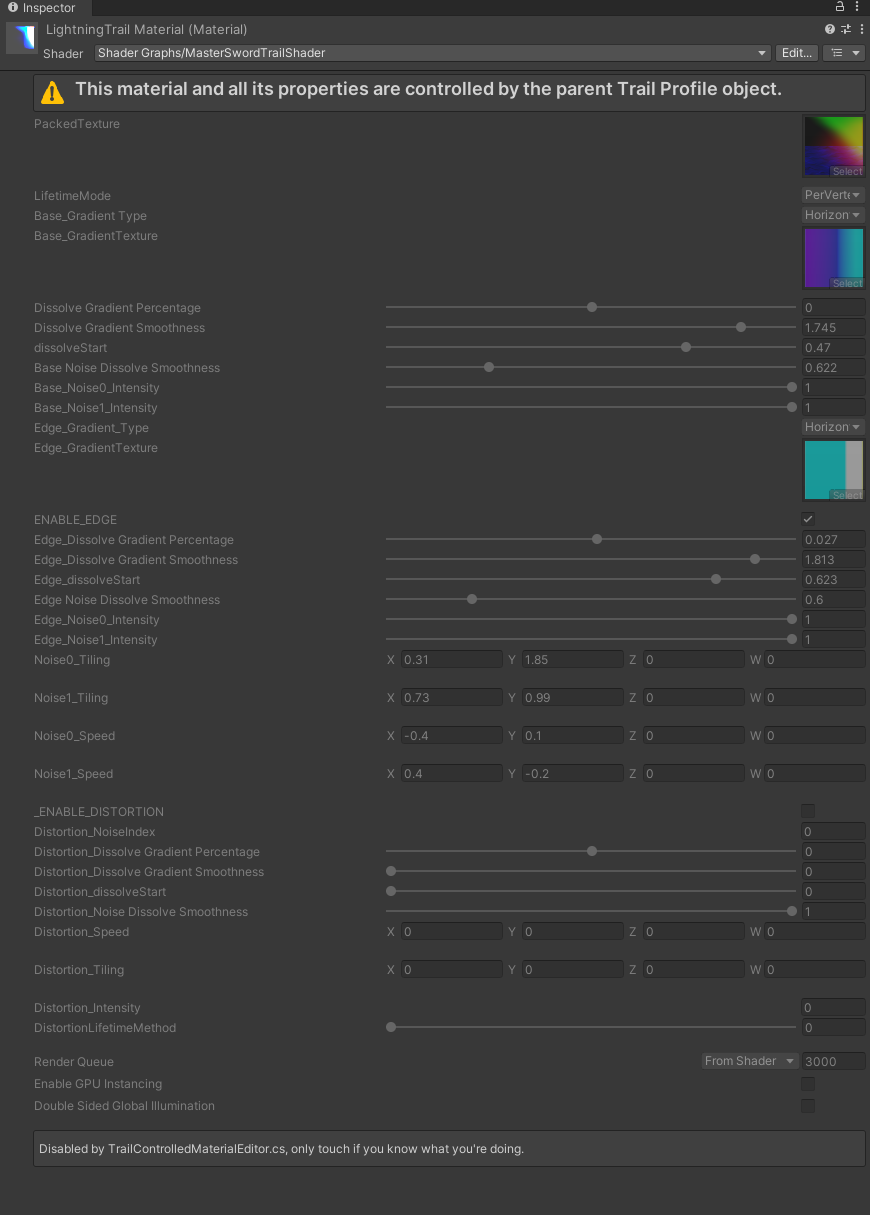
We will never have to change anything here because it's always controlled by the scriptable object.
Textures
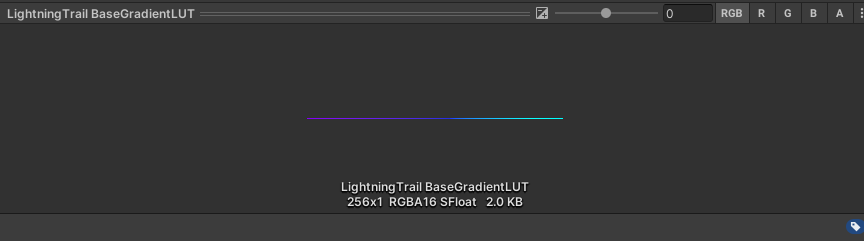
If you look at the material carefully you can see 3 textures that you haven't seen before that are assigned to the material.
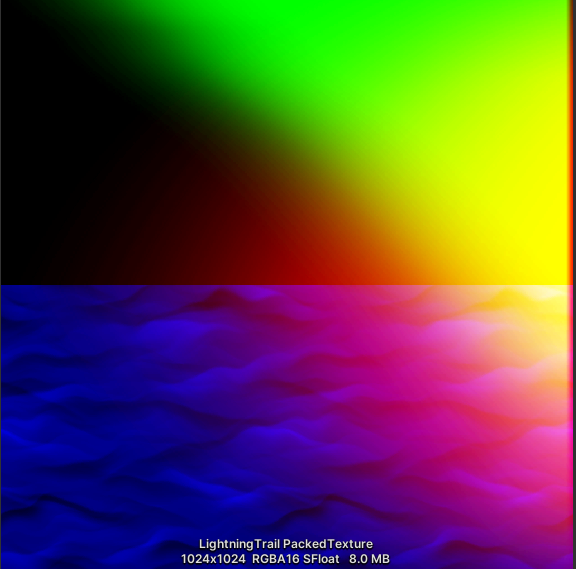
The first one (Packed Texture) is basically all the textures we used in the TrailProfile merged in a specific way
so the MasterTrailShader can use them.
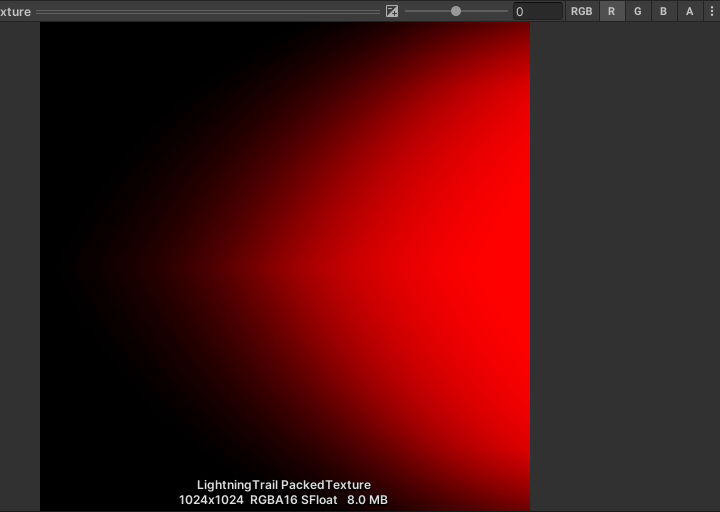
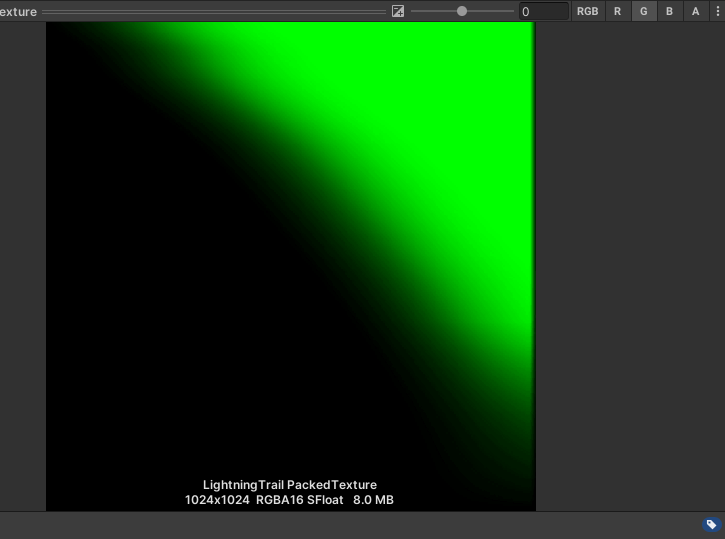
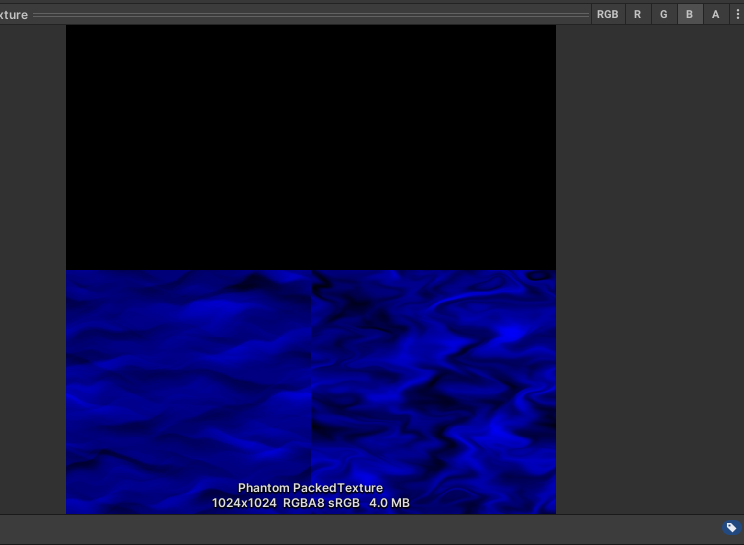
The textures we chose in the TrailProfile has been copied and merged here
automatically so we do not need to keep all the textures in the memory.
The other two textures are really small(256x1) textures that only hold gradient color information.
Check the colorOverLifetime values in the Base Visuals and Edge Visuals modules.